TekiLive · AI live translation
Your conference, in every language.
Live AI captions and voice in 10 languages, on every attendee's own phone. No booths. No headsets. No app to install.
- behind the speaker
- ~2s
- languages per session
- 10
- on screen and in the ear
- Text + voice
مرحبًا بكم في الجلسة الافتتاحية.
نناقش اليوم مستقبل الطاقة في المنطقة.
Tap a language to see what your attendees see
The problem
Great speakers lose half the room at the language barrier
Traditional interpretation is expensive, hard to scale and limited to the main stage. International guests miss most of what your event has to offer.
Booths cost per language
Every language means another booth, more equipment and another team of interpreters. Most events stop at one or two.
Side halls get nothing
Panels, workshops and parallel tracks are usually left without translation, which is where much of the real value is.
Headset headaches
Renting, handing out, charging and collecting hundreds of headsets adds cost and queues for your team and your guests.
How it works
Live in three simple steps
The speaker talks
TekiLive listens to the stage audio in the speaker's language. Bilingual speakers are handled too.
AI translates live
Speech becomes text and is translated into up to 10 languages at the same time, about 2 seconds behind the speaker.
Attendees scan and follow
A QR code on screen opens the session. Guests pick a language, read along, or turn on voice with their own earphones.
Case study
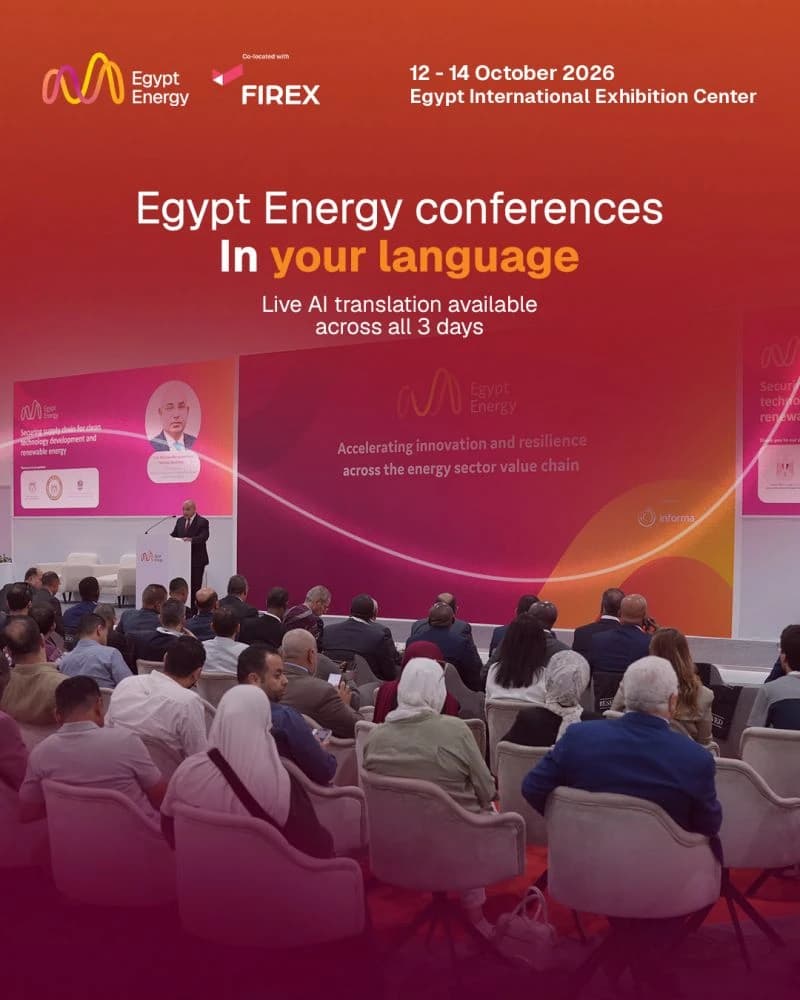
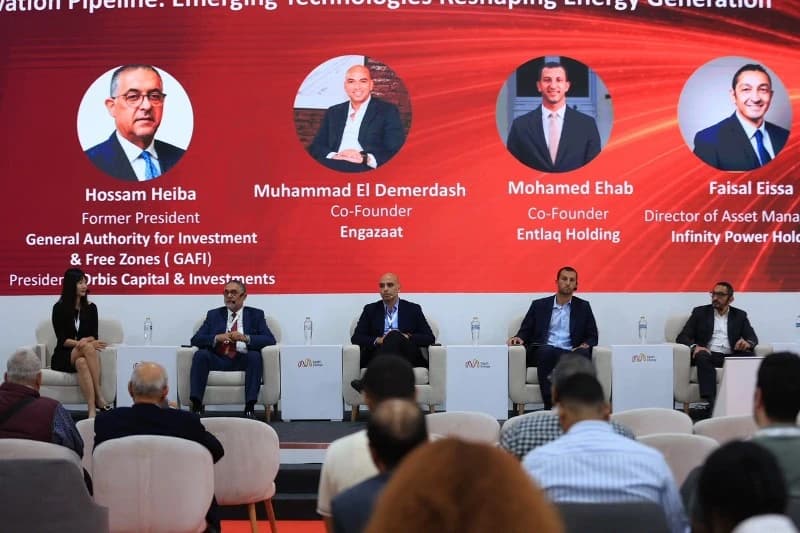
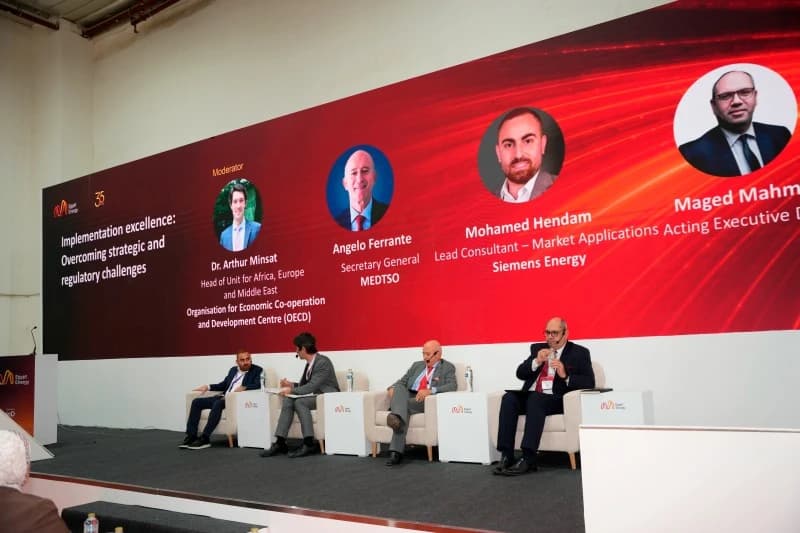
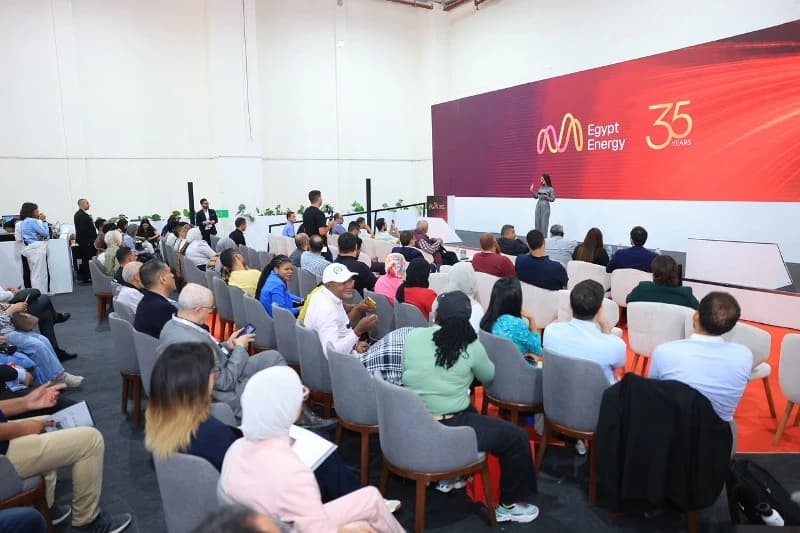
Egypt Energy 2026, in every language
From 12 to 14 October, speakers and attendees at one of the region's most important energy events spoke and listened in their own language. TekiLive powered live AI translation across all three days, on screen and in voice.
- English
- العربية
- Français
- Español
- Deutsch
- 中文
- Português
- Русский
- हिन्दी
- Türkçe
Built for real stages
Made for the moments that go wrong at live events
Accents, bilingual panels, busy halls and weak Wi-Fi. TekiLive was built and tested on a real conference floor.
10 languages, all at once
English, Arabic, French, Spanish, German, Chinese, Portuguese, Russian, Hindi and Turkish, with right-to-left Arabic.
Read it or hear it
Captions on the phone and the big screen, plus AI voice through the attendee's own earphones.
Bilingual speakers covered
Set a second language and TekiLive switches by itself when a speaker moves between Arabic and English.
About 2 seconds behind
Captions and voice follow the speaker closely, with a quality mode for sessions that need the most polished text.
Every hall, one account
Run the main stage, panels and side tracks in parallel, each with its own code and QR.
Backup that keeps going
Enterprise translation engines with an automatic backup, so captions keep flowing if one engine has trouble.
Your brand, not ours
One console to run every hall
Your event name and logos appear on every attendee's screen. Your team opens a session per hall, sets the speaker's language and watches the live audience and latency from one place.
- Event and organizer logos on every phone
- A session code and QR code for each hall or panel
- Live attendee count and translation latency
- Live original transcript for the operator
Compare
How TekiLive fits your event
| Feature | TekiLive | Interpreter booths | Basic captions |
|---|---|---|---|
| Languages | Up to 10 at once | One per booth | Often 1 or 2 |
| Voice in the ear | Yes, AI voice | Yes, human | No |
| Hardware for guests | Their own phone | Rented headsets | Screen only |
| Side halls and panels | Every hall | Usually main stage only | Varies |
| Your branding | On every screen | No | Limited |
| Best for | Multi-language events at scale | High-stakes diplomatic sessions | Single-language accessibility |
Need both? TekiLive can run alongside a human interpreter for keynotes.
Made for every stage
- Conferences
- Exhibitions
- Government summits
- Corporate town halls
- Universities
- Forums and panels
Questions organizers ask
How far behind the speaker are the captions?
About 2 seconds. If a session needs the most polished text, you can switch to a slightly slower quality mode from the console.
Do attendees need to install an app?
No. They scan a QR code, pick their language and follow in the browser on their own phone. Voice works with any earphones.
What if a speaker switches between Arabic and English?
Set a second language for the speaker. TekiLive notices the switch and keeps translating without anyone touching the console.
Can we run several halls at the same time?
Yes. Each hall or panel gets its own session code and QR code, all managed from one admin account.
What do you need from our venue?
No special equipment. Just an AUX connection from the stage AV mixer or a microphone. Your attendees use their own phones.
Planning an event? Let's make it multilingual.
Tell us about your event and we will send a tailored quote within one business day. We can also run a live demo for your team.
- Free live demo, online or at your venue
- On-site support during your event
- Agency and reseller partnerships welcome